Download Delta Executor
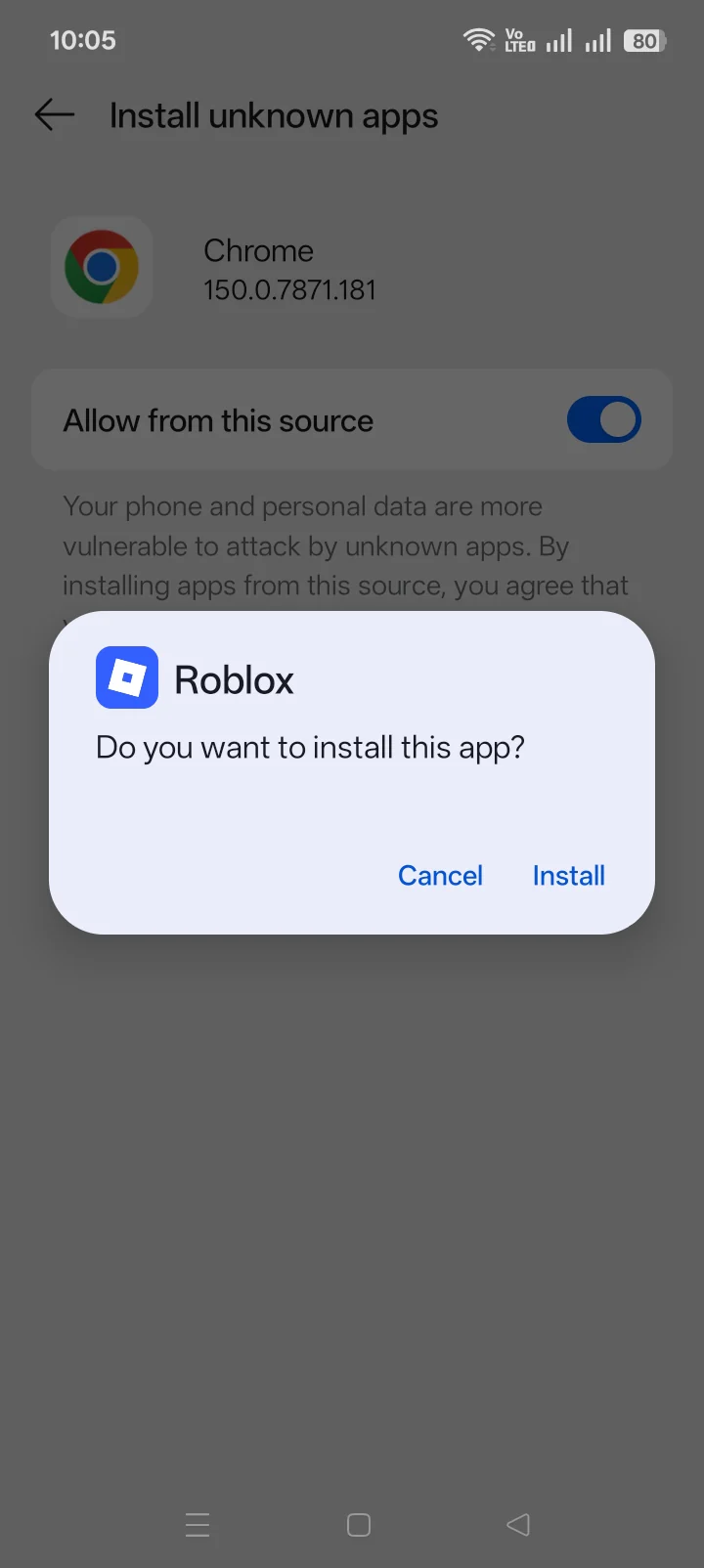
Download Delta Executor by choosing the device you use for Roblox. Android uses an APK—an Android app file. iPhone and iPad use an IPA through an iOS signing method. Windows and Mac run the Android version through an emulator. Choose the package label carefully because each route uses a different installation method.
Download Delta Executor for Your Device
Choose the operating system first, then choose the package variant. Android, iOS, and desktop use different file formats and setup methods. Selecting by the word “Delta” in a filename is not enough.
| Your device | Download route | Choose this option |
|---|---|---|
| Android phone or tablet | APK | Download Delta Executor for Android for the standard package, ARM32 choice, and Roblox VNG route. |
| iPhone or iPad | IPA with an iOS signing method | Download Delta Executor for iOS when you need the iPhone or iPad package and signing steps. |
| Windows or Mac | Android APK through an emulator | Use Delta Executor on PC or Mac for the emulator requirements and desktop setup. |
An Android device cannot install an IPA, and an iPhone cannot install an APK. iOS signing and Android emulation change how Delta Executor starts; they do not create a different executor. An expired iOS certificate stops the signed app from opening. A desktop emulator creates an Android environment on Windows or macOS, so the Android package still controls the app itself.
Which Android Download Should You Choose?
Use the standard Android APK unless your device or Roblox edition requires a different package. ARM32 and VNG solve different compatibility problems, so the labels are not interchangeable.
- Standard APK: use this with the global Roblox client when the device does not require ARM32.
- ARM32: use this only when the Android device requires 32-bit processor support.
- Roblox VNG: use this with the regional Roblox VNG client, not the global Roblox app. The Delta Executor VNG package guide separates the regional and global clients.
Choosing VNG for the global client creates a client mismatch. Choosing ARM32 on the wrong architecture creates a package mismatch. The Android download and compatibility guide separates device architecture, Android version, existing app signature, and Roblox edition.
How Do You Check the Downloaded File?
Match the file to the details supplied with the download before opening it. Check the platform, package ID, file size, signer, and scan result. Then compare the SHA-256 hash—a 64-character file fingerprint.
The same SHA-256 value means 2 files contain the same bytes. It does not prove those bytes are harmless. A different size or fingerprint means the file does not match the listed package. Keep device protection enabled and use the Delta Executor safety guide for permissions, network activity, loaded scripts, and scanner limits.
Current Package File Facts
Independently confirmed from the currently linked files, checked directly against the server. Verify against the file you actually downloaded before installing.
| Package | File name | File size | SHA-256 |
|---|---|---|---|
| Android (standard) | Delta-2.738.1397.apk | 157,884,618 bytes (150.57 MiB) | 7afe86a39b292fbbed3b5863c4bf1be29716f8f146fdeef3fc1ef6ec1f808a5c |
| Android (VNG) | Delta-2.717.985-VN.apk | 181,881,200 bytes (173.46 MiB) | 2e04209e71e5858f8237242eeb09393f2a667bd33bed4b354692f35c18e4f73d |
| iOS | Delta-2.735.1135.ipa | 137,971,862 bytes (131.58 MiB) | 679db26f5ac955e188dcf6b6030919f00b1b58e72a6f82b2e6ac3f2e6ab2b10a |
What Should You Do After Downloading?
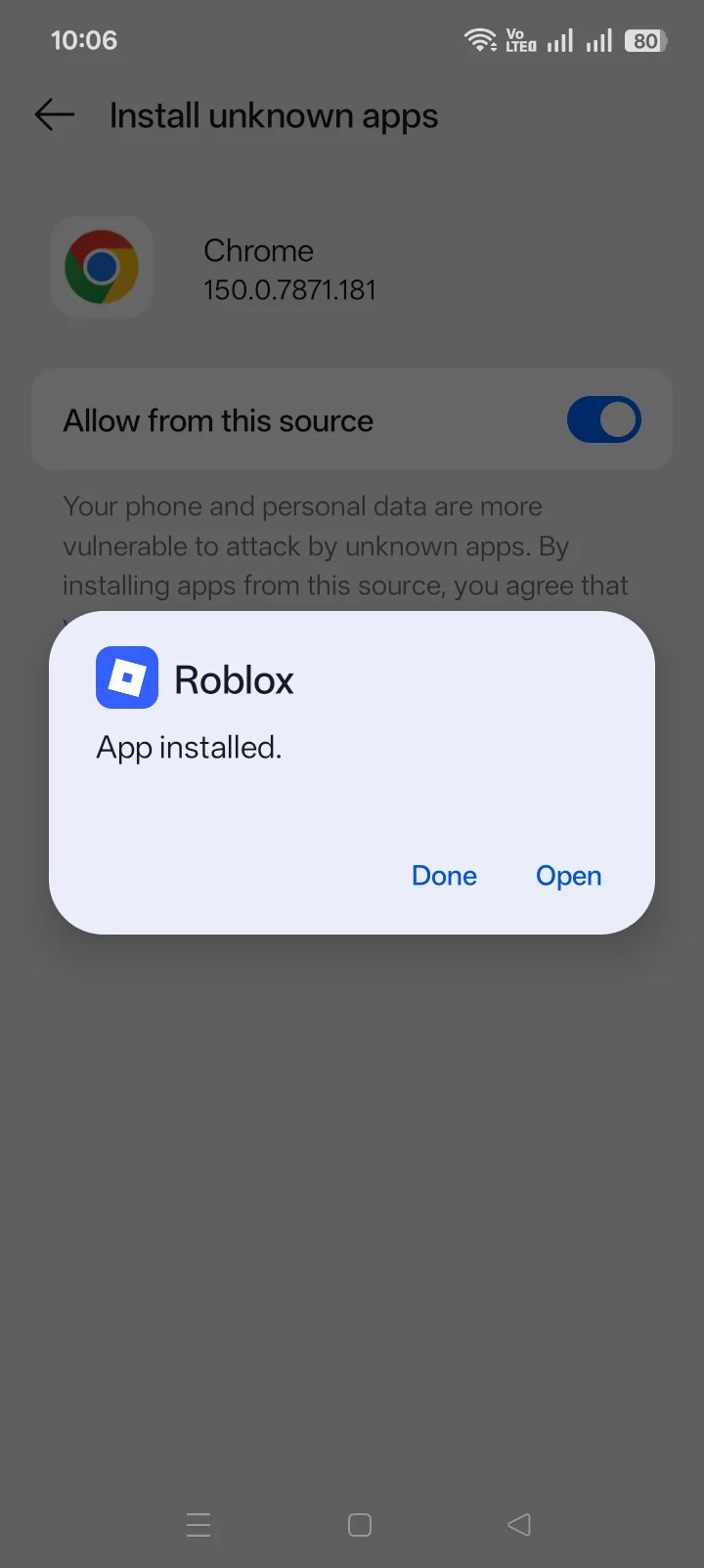
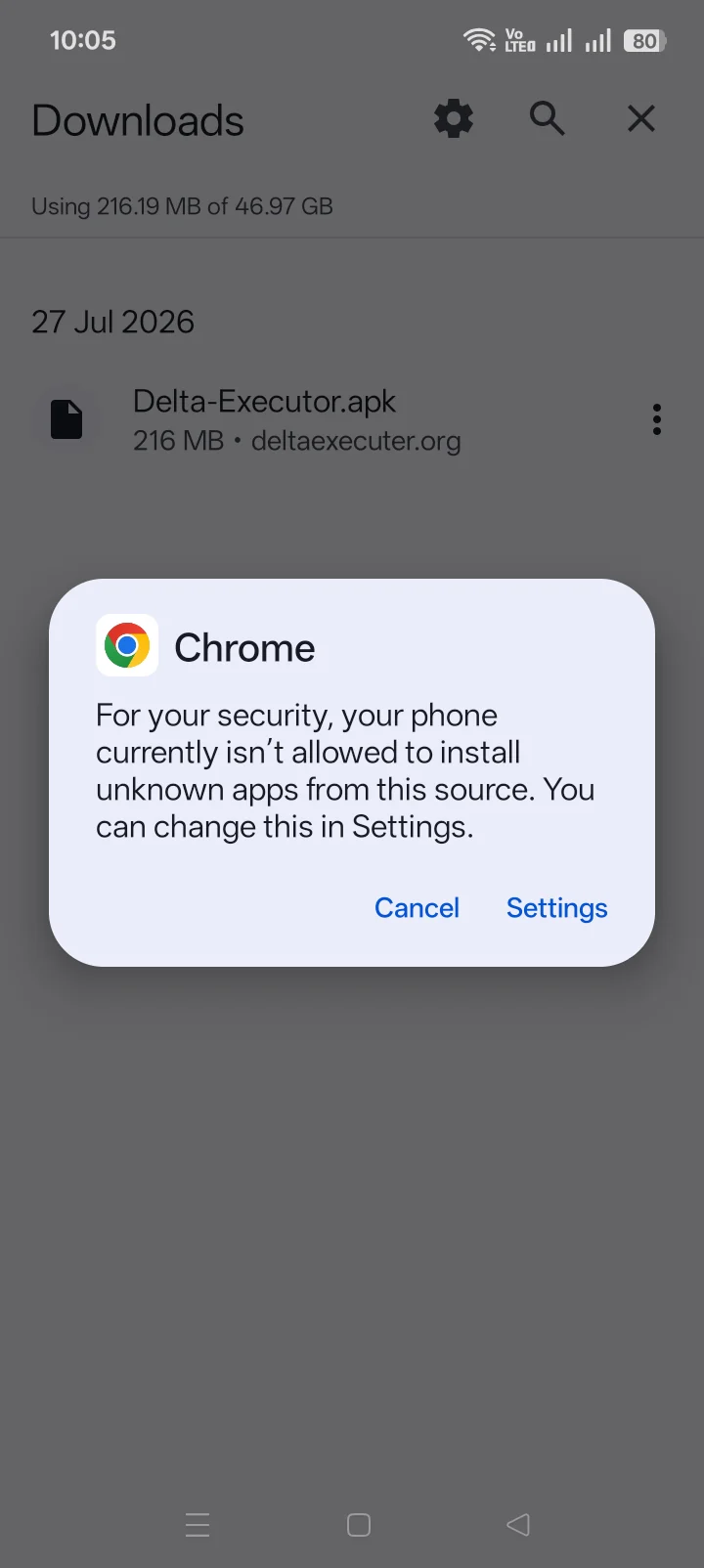
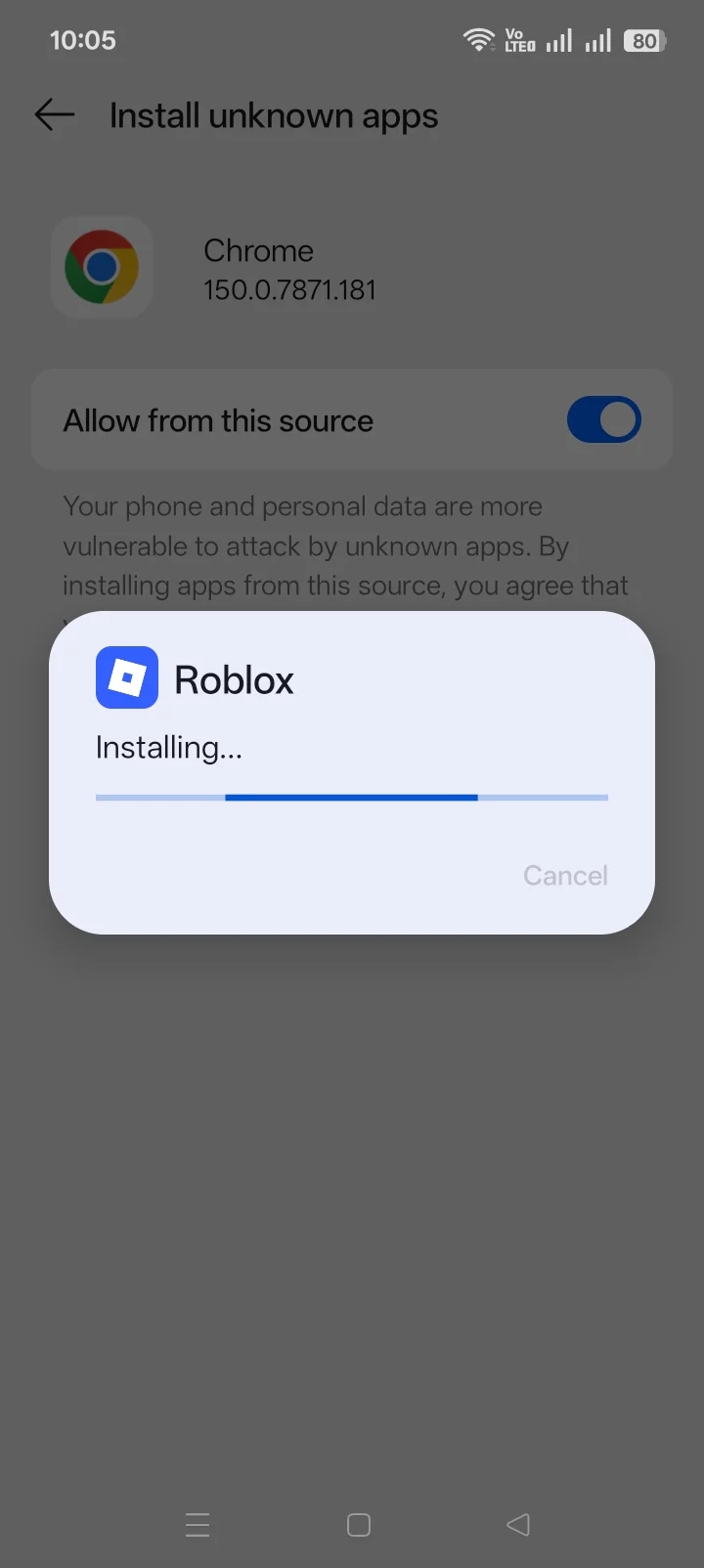
Follow the setup route for the platform you selected. Android installs an APK, iOS signs an IPA, and Windows or Mac prepares an Android emulator before opening the APK.
Use Delta Executor troubleshooting when the app stops working, rejects a package, loses iOS verification, or fails after a Roblox update. Complete the Delta Executor key system only after installation. The download itself does not require a key, a survey, or unrelated app installations.
Which Roblox Account Should You Use?
Do not use the Roblox account that holds your purchases or long-term progress. Sign in with a fresh account that has nothing valuable attached. This limits account loss; it does not make the package safe or stop Roblox enforcement. Review the Delta Executor safety guidance before signing in.
Delta Executor Download FAQ
Which Delta Executor APK should Android users choose?
Use the standard APK unless the device requires ARM32 or Roblox uses the VNG regional client.
Can Delta Executor run on Windows or Mac?
Yes. Windows and Mac run the Android version through an emulator. Follow the desktop setup route.
Which download works with Roblox VNG?
Use the VNG package with Roblox VNG. Use the standard Android package with the global Roblox client.
What details should accompany a Delta Executor download?
Match the platform, version, size, release date, package ID, SHA-256, signer, and scan result shown with the file.
Does the download require a key?
No. Delta Executor requests key access after installation, not before the file download.
Where are earlier Delta Executor releases documented?
Use the Delta Executor old versions ledger for attributable historical releases and changes. The current download remains the correct default when it supports your device.
Return to Delta Executor for the app overview, features, platform choices, and setup routes.