Delta Executor runs on Android through an APK package.
Delta Executor for Android
Delta Executor for Android installs as an APK—an Android application package. Choose the package that matches both your device and your Roblox edition. Use the current Android download for the file, version, size, release date, fingerprint, signer, and scan details.
Which Delta Executor Android package should you choose?
Choose the standard APK for the global Roblox client unless your phone needs ARM32 or runs Roblox VNG. Device architecture and Roblox edition are separate checks.
| Package | Choose it when | Do not choose it when |
|---|---|---|
| Standard APK | Your phone uses the global Roblox client and supports the standard build. | Your device needs 32-bit support or Roblox uses the VNG edition. |
| ARM32 | Your Android device requires a 32-bit package. | Your phone supports the standard build. |
| VNG | Roblox on the device is the VNG regional edition. | Roblox is the global edition. The regional package is only for the VNG client. |
A VNG mismatch pairs the executor with the wrong Roblox edition. An architecture mismatch stops Android from accepting or opening the package.
What does your Android device need?
Android needs enough free storage, a compatible processor architecture, the matching Roblox edition, and permission for the browser or file manager to install an APK. Exact operating-system support and package size change with the release, so those values stay with the current Android download.
- Keep Roblox installed in the edition that matches the package.
- Remove an older conflicting package before replacing it.
- Keep Google Play Protect and Android security scanning enabled.
How do Android version, graphics support, and processor type differ?
Android version, graphics support, and processor architecture answer 3 different compatibility questions. Passing one check does not prove that the other 2 match.
| Check | What it controls | Useful decision |
|---|---|---|
| Android version | Whether Roblox and the package can use the operating-system APIs they require. | Roblox Mobile currently requires Android 8.0 or newer. The Delta package record must state any additional minimum. |
| OpenGL ES | Whether the graphics processor supports the rendering features Roblox needs. | Roblox requires OpenGL ES 3.0. A recent Android version cannot replace missing graphics support. |
| Processor architecture | Whether Android can load the native code inside the APK. | Choose ARM32 only when the package record identifies the device as needing the 32-bit build. |
A Roblox compatibility warning and an Android package-install error describe different layers. The Roblox warning concerns the game client. The installer error concerns the APK, signature, storage, or processor match.
Which Android permissions deserve a closer look?
Approve only permissions that match a stated feature and appear in the package record. Ordinary APK installation does not require root access, device-administrator control, Accessibility control, a VPN profile, or permission to install more apps.
Stop when a prompt asks for control that the listed feature does not explain. Accessibility can read or act on screen content. Device-administrator access can restrict removal. A VPN can route network traffic. Root access can change protected system files. Those controls carry more authority than storage or notification access and need a specific, checkable reason.
How do you install Delta Executor on Android?
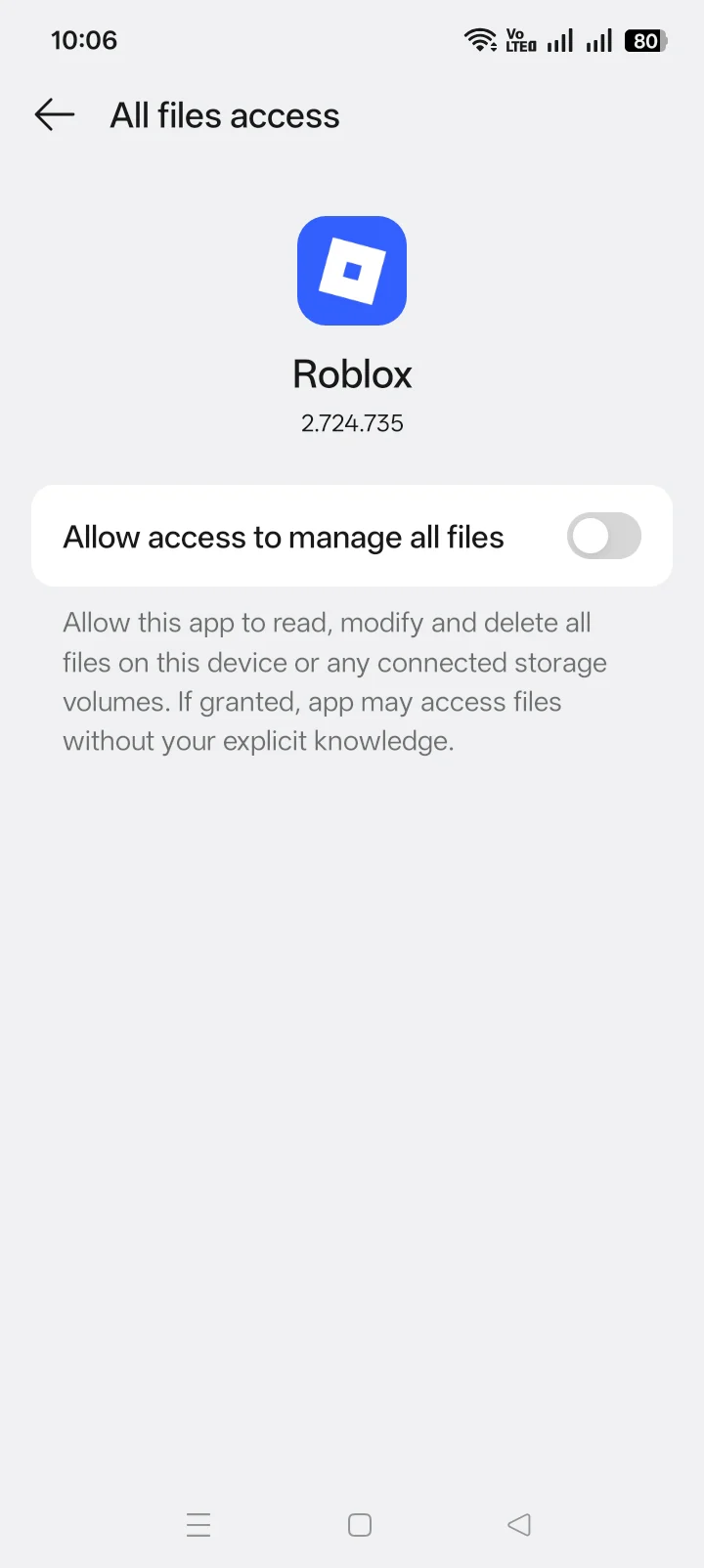
Download the matching APK, allow that source to install apps, open the file, and approve only the permissions shown during setup.
- Open the current Android download and select Standard, ARM32, or VNG.
- When Android blocks the APK, open the prompt for Install unknown apps and allow the browser or file manager that opened the file. The permission applies to that source, not every app.
- Return to the download and open the APK again.
- Read the installer name and requested permissions, then install.
- Turn off the source-specific install permission after setup.
Google Play Protect checks apps installed outside Google Play and can warn, block, disable, or remove harmful apps. Do not switch it off to force an installation.
What if Android says “App not installed”?
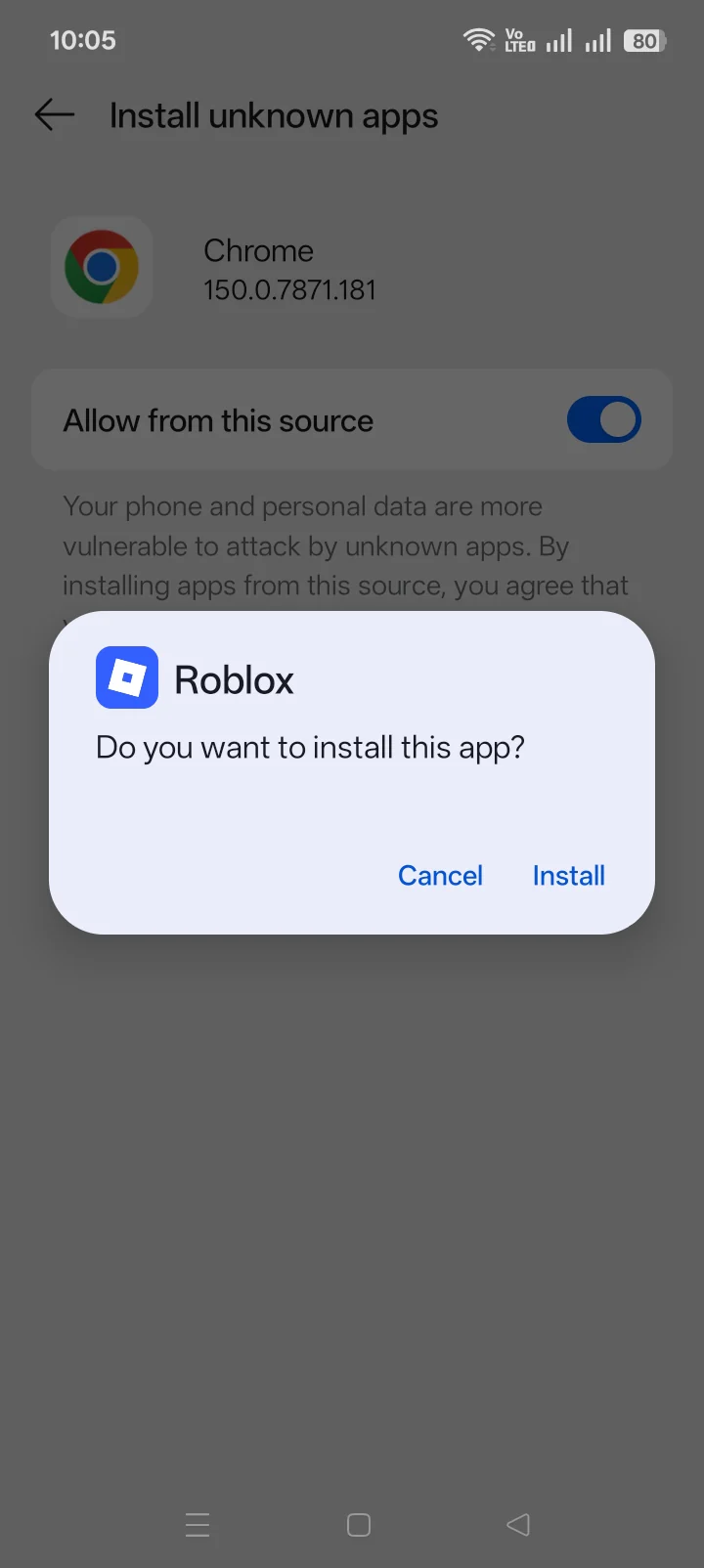
“App not installed” points to a package conflict, incomplete download, architecture mismatch, low storage, or a mismatched Roblox edition. Do not repeat the same install without checking the cause. Use Delta Executor troubleshooting to match the installer message to the correct fix path.
Which Roblox account should you use?
Before the first Android launch, sign in with a separate Roblox account that holds nothing you would miss. This keeps purchases and progress off the tested account. It does not prevent Roblox action or protect the phone from a harmful APK.
Delta Executor Android FAQ
Does Delta Executor Android need root access?
Do not grant root access. Root access gives an app system-level control and is not required for ordinary APK installation.
Why does Delta Executor stop after a Roblox update?
Roblox updates can break compatibility until the matching executor build is ready. Use Delta Executor troubleshooting before reinstalling.
Should Play Protect be disabled?
No. Keep Play Protect enabled. A warning deserves inspection, not an automatic bypass.