
Delta Executor troubleshooting
Delta Executor Troubleshooting
Start with 3 checks: confirm whether Delta opens, check whether the problem began after a Roblox update, and test whether another network changes the result. These checks separate a local app problem from a version mismatch or service interruption without weakening your device’s security.
What Should You Check First?
Match the visible symptom before reinstalling anything. Reinstalling the same package cannot resolve a revoked iOS certificate, a key-gateway interruption, or a Delta build that no longer matches the Roblox client.
| Symptom | Likely layer | Next check |
|---|---|---|
| Delta does not open | App process, package, or device compatibility | Force-close it, restart the device, then check the platform branch below |
| Delta worked before Roblox updated | Client-version mismatch | Check the update-error route and current operating state |
| The key page fails or rejects a key | Key gateway, browser session, or device time | Use the key-system checks |
| Delta opens and then closes | Storage, memory pressure, damaged package, or incompatibility | Restart, free storage, and record when the crash occurs |
| Only online functions fail | Network or service | Compare Wi-Fi with mobile data and check status |
Why Won’t Delta Executor Open?
A launch failure needs 3 reversible checks before a reinstall: close Delta completely, restart the device, and confirm that the operating system matches the supported platform. A package intended for another platform cannot be repaired through permissions or repeated launches.
- Remove Delta from the recent-apps or task list.
- Restart the phone, tablet, or computer.
- Open Delta once and record the exact warning or point where it closes.
If device security quarantines the file, do not restore it or add an exclusion merely to force a launch. Use the current Delta Executor download details and the safety evidence attached to that exact file before deciding what to install.
Why Does Delta Open and Then Crash?
A repeatable crash points to the stage that fails. A crash before the interface appears differs from a crash after Roblox starts, and both differ from one interface function failing inside a running session.
Restart the device, close memory-heavy apps, and confirm that adequate storage remains. Then reproduce the problem once. Keep the warning text and note whether the crash occurs at launch, sign-in, key entry, game start, or another named step. Repeated retries add no diagnostic value when the same stage fails every time.
Did Delta Stop Working After a Roblox Update?
A failure that begins immediately after Roblox updates belongs to the version-mismatch branch. A compatible Delta release must match the changed Roblox client; clearing storage or changing networks cannot create that compatibility.
Check the Delta Executor Roblox update error steps and compare it with the current package record. If no compatible release exists, stop retrying and wait. No dependable fixed recovery time applies to every Roblox update.
Why Is the Delta Executor Key Not Working?
A key failure belongs to the access flow when Delta opens normally but rejects the code, loops through a checkpoint, or cannot load the key page. Set the device’s date and time to automatic, reopen the key link in the same browser session, and remove accidental spaces from a pasted key.
Use the Delta Executor key-system guide for expired keys, checkpoint loops, gateway privacy, and normal key renewal. Do not use copied “lifetime” keys or checkpoint-bypass pages.
Is It a Network or Service Problem?
A network problem changes when the connection changes; a service interruption affects the same Delta function across working connections. Test the failed action once on Wi-Fi and once on mobile data where both are available.
- Set the device clock and time zone to automatic.
- Confirm that ordinary websites and the standard Roblox client can connect.
- Restart the router only when other devices also lose connectivity.
- Check the key-system route when only key access fails; use the Roblox-update guide when the failure began after a client update.
Do not replace DNS settings, install a certificate, or disable a firewall to bypass a service-side failure.
Which Platform Error Do You Have?
Platform warnings need platform-specific fixes because Android package signatures, iOS certificates, and desktop compatibility use different systems.
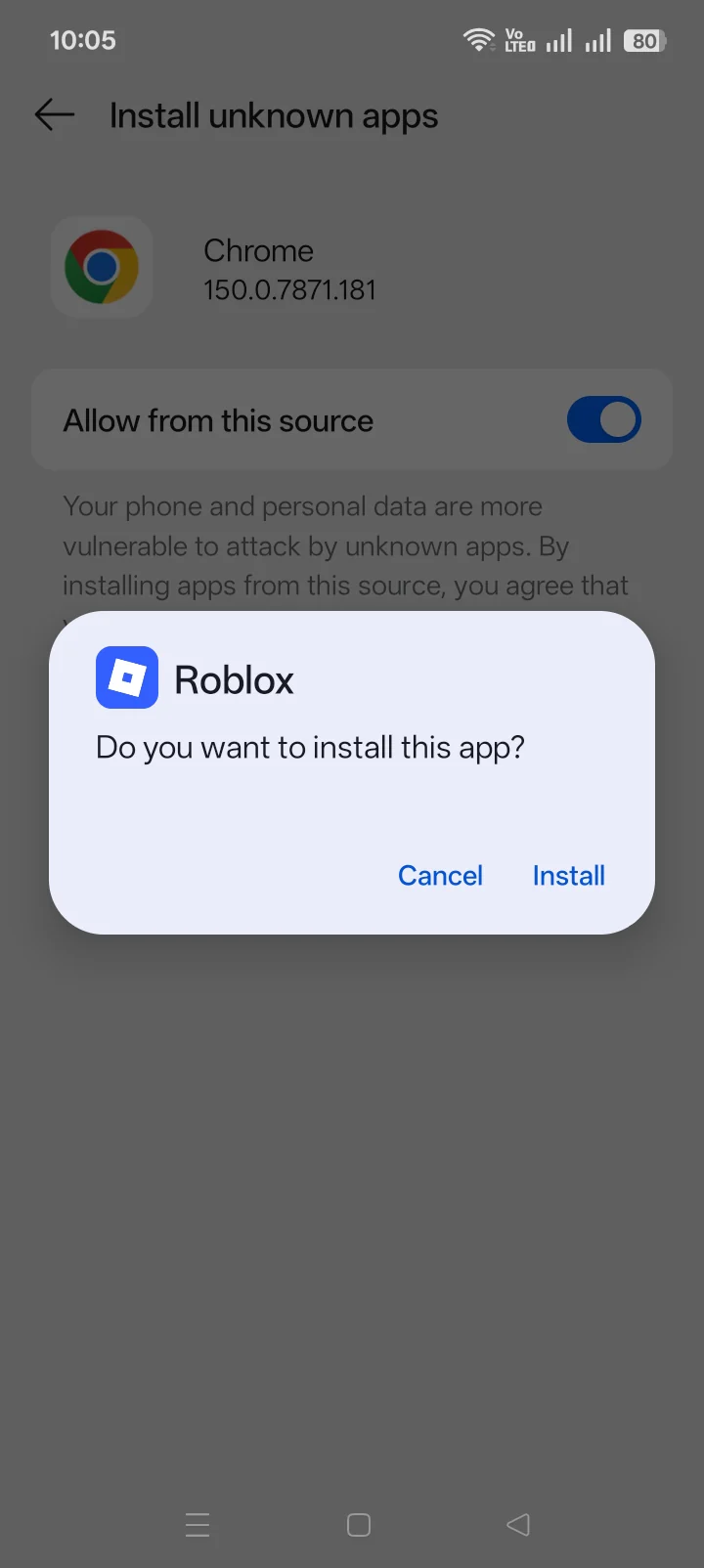
- Android says “App not installed”: follow the Android package-install diagnosis for signature conflicts, storage, damaged downloads, and OS compatibility.
- iPhone or iPad says the app cannot be verified: use the iOS certificate and verification explanation. Reinstalling the same revoked signature does not restore trust.
- A Windows or Mac file will not open: confirm the claimed build type in the Delta Executor PC compatibility matrix before running an unknown executable.
Which Delta Executor Fixes Should You Avoid?
Reject any fix that requires disabling antivirus protection, restoring a quarantined DLL without file-specific evidence, installing a certificate from an unknown source, or downloading a “patched” package from a different domain. A working launch does not prove that a file is safe.
Also reject anti-cheat bypasses, forced Roblox downgrades, and promises that one setting makes Delta undetected. Those actions increase device or account risk without resolving the underlying diagnostic question.
When Should You Stop Troubleshooting?
Stop when the same symptom survives one restart, one network comparison, and the correct owner-page checks. Stop immediately when a file triggers a security warning that lacks exact-file evidence, or when the current status shows a compatibility interruption.
Keep the exact message, platform, OS version, and failure stage. Those 4 details identify the next action more reliably than another reinstall.
Delta Executor Troubleshooting FAQ
Why is Delta Executor not working today?
Check whether Delta opens locally, whether key access completes, and whether the failure began after a Roblox update. Those symptoms require different routes.
Should antivirus protection be disabled to open Delta?
No. Do not disable protection or restore quarantined components without evidence tied to the exact file.
Will reinstalling Delta fix every error?
No. Reinstallation cannot fix a revoked iOS certificate, a key-service interruption, or a Roblox-version mismatch.
What details matter when asking for help?
Provide the exact error message, platform, OS version, and the step where the failure begins. Remove passwords, keys, cookies, and account tokens from screenshots or logs.